I have been working remotely from Kuala Lumpur for a while now, and it has completely changed how I think about where to live and work. KL is not the most obvious choice when people think of digital nomad cities. Bali, Chiang Mai, Lisbon — those get all the press. But KL has quietly become one of the best setups in Southeast Asia for people who actually need to work, not just look like they are working from a beach.
This is what you actually need to know.
Why KL Works for Remote Workers
A few things make KL genuinely excellent for remote work rather than just liveable:
- Internet is fast and cheap. Home fibre broadband goes up to 1Gbps for RM 79-149 per month. Mobile data is USD 10-20 per month unlimited. You will not struggle to get online.
- Time zone is useful. Malaysia Standard Time (UTC+8) overlaps well with Australian business hours, Southeast Asian clients, and can work with European afternoons if you are flexible.
- Cost of living is low. A comfortable one-bedroom apartment, food, transport, and utilities runs around RM 3,000-5,000 per month (roughly GBP 500-900). Your money goes considerably further than in London or Sydney.
- English is widely spoken. Malaysia was a British colony and English is an official working language. You will have no trouble in business settings, coworking spaces, or everyday life.
- Infrastructure is modern. Good hospitals, reliable utilities, functioning public transport, international airport with direct flights everywhere.
The Visa Situation
Brits and most Western passport holders can enter Malaysia visa-free for 90 days. This works for short-term stays. For longer-term remote work, the DE Rantau Nomad Pass is the legal route — 12 months, renewable, designed specifically for remote workers earning foreign income. The income threshold is USD 2,000 per month for tech professionals.
Best Coworking Spaces in KL
KL has a solid coworking scene. These are the ones worth knowing about:
Colony (multiple locations)
Probably the most popular mid-to-premium coworking chain in KL. Beautifully designed spaces, reliable fast WiFi, good coffee, professional atmosphere. Locations in KLCC, Eco City, Star Boulevard, and others. Day passes available, monthly memberships from RM 500-800.
Common Ground (multiple locations)
Another well-run chain with locations across KL including Bangsar South, Damansara Heights, and KL Sentral. Strong community, regular events, flexible plans. Monthly desk from around RM 450.
Worq (NU Sentral and Subang)
Good value coworking near KL Sentral (main transport hub). Practical, less design-focused than Colony but very functional. Good for people who just need to get work done.
MRANTI Technology Park
For tech companies and startups. Part of the Malaysian government initiative, subsidised rates available for certain businesses. Located in the south of KL — less central but very well equipped.
Local Cafes
KL has excellent cafe culture and many cafes work perfectly as informal coworking spots. Pelita, Zus Coffee, Jibby and Co, Feeka, and many independent cafes in Bangsar and Chow Kit are popular with remote workers. Get something to eat and drink and you can usually work for hours. WiFi quality varies so always test before committing to a full day.
Internet Setup for Remote Workers
Home Broadband
The main providers are Unifi (Telekom Malaysia), Maxis, TIME, and Yes. TIME and Unifi are generally regarded as the most reliable for home office use. Packages from RM 79-149/month get you 500Mbps-1Gbps, which is more than enough for video calls, large file transfers, and multiple devices.
Mobile Data
Digi, Maxis, Celcom (now merged as CelcomDigi), and U Mobile all offer unlimited data plans for RM 40-80/month. These are genuinely unlimited with decent speeds. Having a local SIM as a backup to your home broadband is sensible.
For Security
When working from cafes and coworking spaces, always use a VPN. I use NordVPN — it keeps my connection secure on public networks and I can access UK-based services and streaming from Malaysia without worrying about geo-restrictions.
Managing Money as a Remote Worker in KL
If you earn in GBP, USD, or EUR and spend in MYR, you need a good international transfer solution. The exchange rates at Malaysian banks are poor, and the fees for international transfers are substantial.
I use Wise for everything. You send money in your home currency, Wise converts it at the real mid-market rate with a small transparent fee, and the MYR lands in your Malaysian bank account. On larger transfers the saving compared to a regular bank transfer is meaningful.
Open your Wise account before you arrive. You can use the Wise card in Malaysia immediately and top up your Malaysian bank account when you need MYR.
Health Insurance for Remote Workers
Malaysia has both public and private healthcare. As a foreign national on a DE Rantau pass or tourist visa, you need private cover. Public hospitals are available in emergencies but waiting times are long and facilities vary.
KL’s private hospitals (Pantai, Gleneagles, Prince Court, Sunway Medical Centre) are excellent — comparable to good European private hospitals and significantly cheaper. But without insurance, a hospital stay gets expensive quickly.
For remote workers and nomads, SafetyWing hits the right balance of coverage and cost. It covers hospital stays, emergency treatment, and outpatient care, works across multiple countries, and starts from around USD 45 per month. It is also accepted as proof of insurance for the DE Rantau application.
Day-to-Day Remote Work Life in KL
A typical working day for me in KL:
Morning: work from home or a nearby cafe during the coolest part of the day. The temperature gets to 30-33C by midday so early mornings are pleasant for working with windows open.
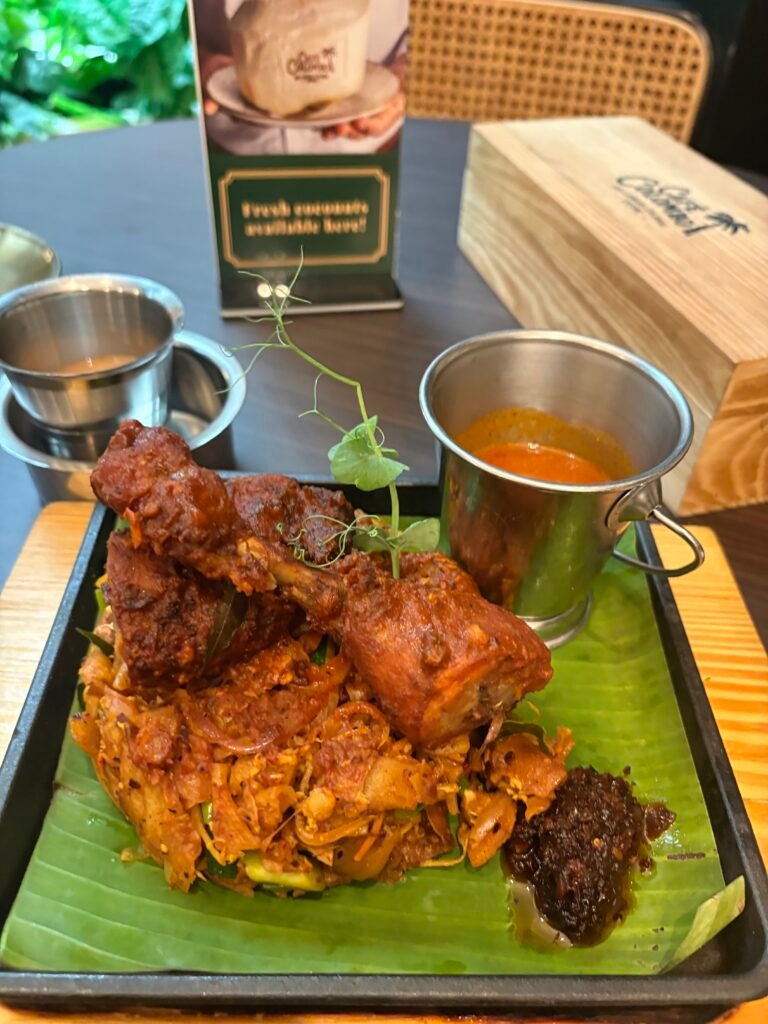
Lunch: grab something at a hawker centre for RM 6-12. Incredible food, cheap, quick.
Afternoon: back to work. Air conditioning is your friend in the afternoon. Most apartments have effective AC and electricity bills are subsidised, so running it all day costs less than you might expect.
Evening: KL comes alive in the evening. Night markets, restaurants, bars, the city buzzes until late. Work-life balance is genuinely easier here than in most high-cost cities because the evening options are so good and so affordable.
Best Neighbourhoods for Remote Workers
Not all of KL is equally suitable. These areas work best:
- Bangsar — popular with expats, lots of cafes and restaurants, good transport links, mid-range rents
- Damansara Heights / Sri Hartamas — quieter, more residential, good internet infrastructure, Colony coworking nearby
- KLCC / Bukit Bintang — central, highest density of coworking spaces and cafes, but more expensive to rent
- Mont Kiara — heavily expat, lots of serviced apartments with fast internet, quieter but requires Grab for most journeys
The Honest Assessment
KL as a remote work base is underrated. The internet is fast, the cost of living is low, the food is extraordinary, the people are friendly, and the city is genuinely liveable in a way that some other “nomad hotspots” are not.
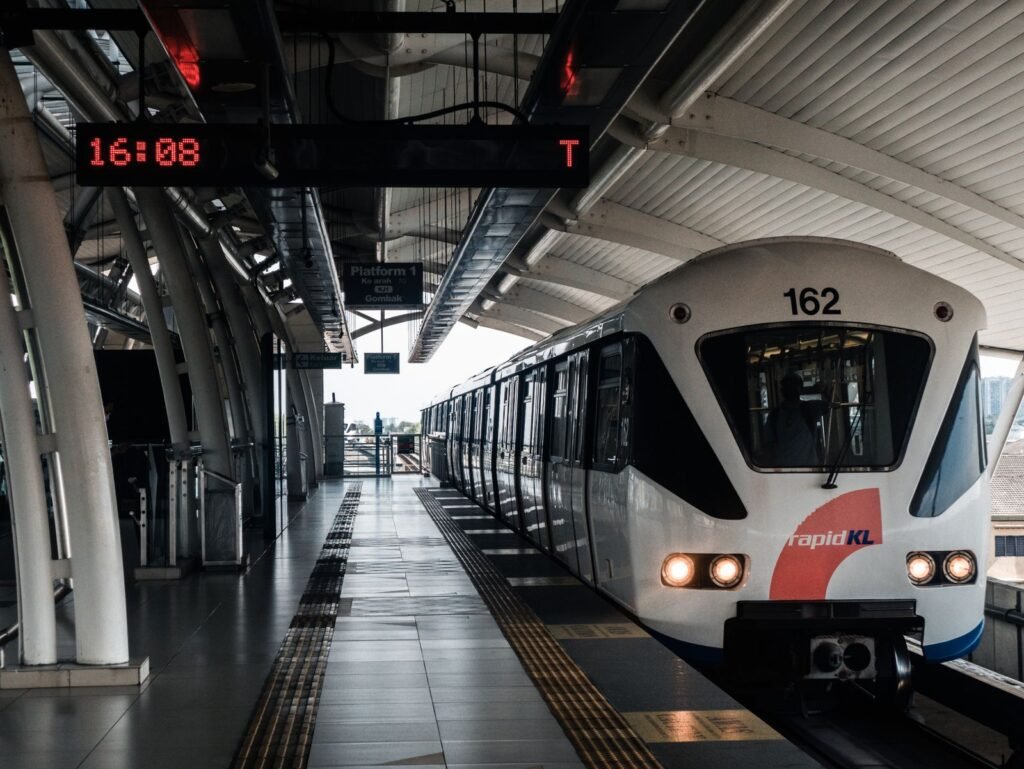
The main downsides: the heat (you adjust), air quality can be affected by regional haze in certain months, and the city sprawl means you need Grab or your own car for many journeys (though the LRT and MRT cover the central areas well).
If you are a remote worker looking for a Southeast Asian base that is more city than beach, genuinely functional, and where your income goes a long way — KL should be on your shortlist.
My Remote Work Toolkit in KL
Wise — International Money
Earn in GBP or USD, spend in MYR without losing money on exchange rates.
SafetyWing — Health Cover
Expat health insurance accepted for DE Rantau. Multi-country coverage from USD 45/month.
NordVPN — Secure Browsing
Protect your connection on coworking WiFi. Access UK and US content from Malaysia.
Some links are affiliate links. I earn a small commission at no extra cost to you. I only recommend things I use.